Artificial intelligence is no longer limited to processing text or generating images separately. Modern AI systems can work with different types of information, including text, images, audio, and video, within a single task. This capability is known as multimodal AI. It opens up new possibilities for communication, automation, and everyday business operations. In this article, we'll explain how the technology works, explore its key features, and look at practical examples of its use.
What Is Multimodal AI? More Context, Fewer Blind Spots
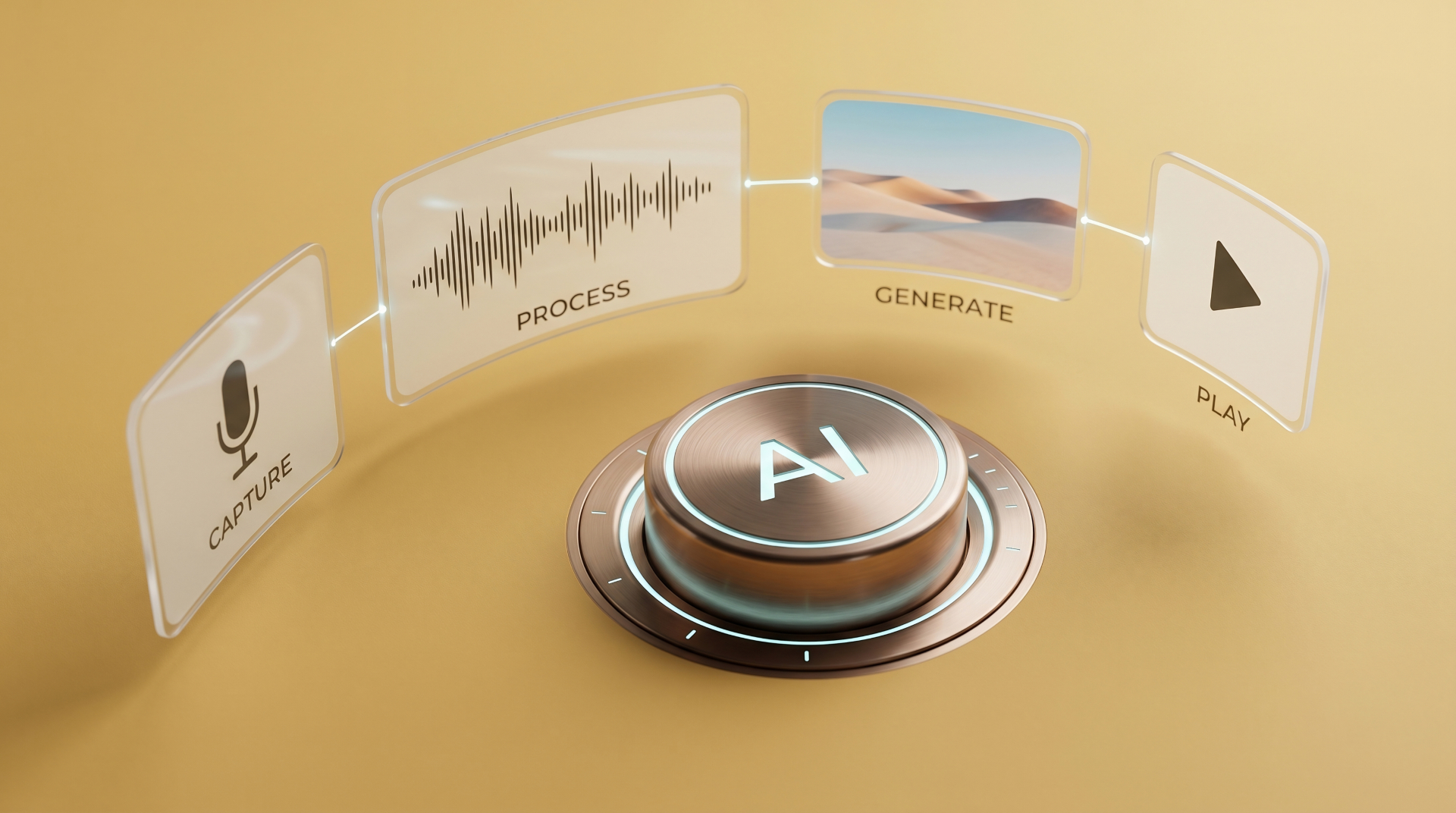
A modality is simply a type of information, such as written language, pictures, sound, or video. Traditional systems often specialize in one type. A speech recognition tool converts audio into text, while an image classifier identifies objects in photographs. Multimodal AI can work with several types of input and use the connections between them to interpret a request.
Picture a traveler looking at a departure board while hearing an announcement about a platform change. The screen shows one detail; the announcement adds another. A system that can examine the image and understand the audio has a better chance of giving the traveler useful directions than one relying on only a single source.
This does not mean the software experiences the world like a person. It learns patterns in data and makes predictions based on them. Still, combining signals can make its responses more relevant, especially when a picture needs an explanation or spoken words refer to something visible.
How Multimodal AI Works Behind the Scenes
Different formats cannot simply be dropped into a model as though they were identical. Text is broken into smaller units, images are represented through visual features, and audio is processed as patterns of sound. Depending on the system, specialized components turn those inputs into numerical representations that the model can compare or combine.
Imagine asking, "What is wrong with this printer?" while sharing a photograph of its display and a recording of the noise it makes. The written question establishes the task. The photo provides a visible error message. The recording adds a clue about what the machine is doing. Together, they may help the system suggest what to check first.
Some multimodal AI models have separate components for different input types, while others use more unified designs. Their internal methods vary, but the goal is similar: connect information that belongs to the same situation. Cross-modal AI is a related term that emphasizes links between formats, such as finding an image from a written description or matching a sound to a video.
The result is not guaranteed to be correct. A blurry label, overlapping voices, or missing context can lead to a confident but mistaken answer. For important tasks, people still need a way to check the source material.
Multimodal AI Models and Generative AI: What Is the Difference
The two ideas describe different abilities. Generative AI creates content, whether that is a paragraph, an illustration, or a spoken response. Multimodal describes the kinds of information a system can handle. A tool that writes emails from text prompts is generative, but not necessarily multimodal. A system that checks photos and sensor readings for defects can be multimodal without creating new content.
Multimodal generative AI combines both abilities. You might upload a picture of a product, describe the audience in a voice message, and ask for a short advertisement. The system can use information from the image and the spoken instructions to draft copy. Another application might describe an uploaded chart aloud or create an image based on a written brief.
Not every model supports every format in both directions. Some accept text and images but return only text. Others can produce speech or pictures as well. When comparing tools, check their actual inputs and outputs rather than assuming that the word "multimodal" promises every feature.
Where Multimodal AI Makes a Practical Difference
The most useful applications often begin with information that people already exchange in different ways:
- Customer support: A customer sends a photo of a damaged item and explains the problem in a voice note. AI can prepare a summary for a support agent, who checks the details before responding.
- Education: A student shares a diagram and asks a spoken question. A learning assistant can explain the relevant part instead of giving a generic answer about the topic.
- Accessibility: A tool can describe visible objects or read text from an image aloud, making some information easier to access.
- Content production: A team can search video clips using text descriptions, review spoken dialogue, and draft captions with visual context.
Start with a narrow use case and test it using realistic examples. Check whether the model misses details, invents information, or struggles with noisy recordings. Images and audio may contain personal data, so review privacy requirements before uploading them. The real benefit is not simply handling more formats. It is helping people act on information with less backtracking.
Bottom Line
Multimodal AI makes digital tools more flexible by connecting words, visuals, and sounds. It can help explain a picture, understand a spoken request, or turn several sources into one useful response. The technology still makes mistakes, so the strongest applications pair its capabilities with clear workflows and human review.